

Résumés: give it your experience, get a clean one-page résumé
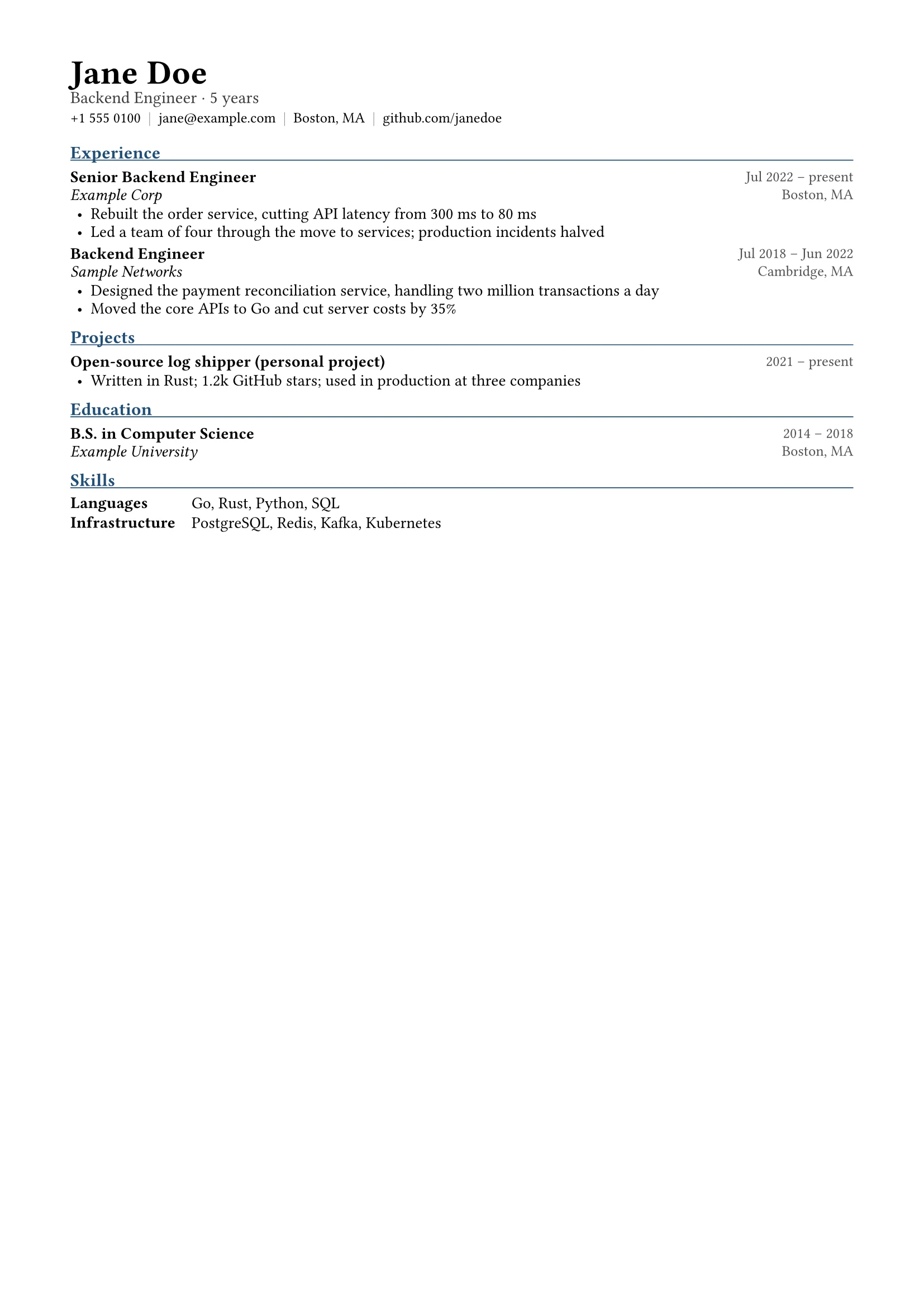
Upload your old résumé or list your education, experience and skills. docraft typesets a one-page résumé with your name, headline and contact details at the top and entries in reverse order, each with bullet points about what you did and what came of it.
Start free, no credit card needed.
What it does
One page, neatly set
Fonts, spacing and alignment are handled by the template. If it runs long, minor points are cut and short roles merged, not the font size shrunk.
Bullets that show results
Two to four bullets per role, starting with a verb and giving results and numbers, like “cut API latency from 300 ms to 80 ms”.
Photo optional
Upload a photo and it goes beside the header; English résumés usually leave it out.
Only your facts
No invented roles, numbers or certificates; missing details such as dates go on the checklist for you to fill in.
How it works
- 1
Upload your old résumé or list your education, experience and skills.
- 2
docraft typesets the résumé and lists missing details and wording to confirm.
- 3
Point at an entry to change it, then export the PDF and apply.
Try saying
“Here is my old résumé (PDF). Turn it into a one-page backend engineer résumé that highlights the last three years of projects.”
Frequently asked questions
English and Chinese?
Both. You can write your experience in one language and have the résumé in the other; wording to confirm is listed for you.
Will it make things up?
No. It writes only the facts you give; where something is missing it asks instead of filling it in.
Can I change colors or the layout?
The layout is fixed by the template so it stays clean and readable; content and order are yours to change.
Can I use it on the free plan?
Yes. Résumés are faster and use fewer points than most documents; exports on the free plan carry a watermark, paid plans don’t.


