

Papers: upload the draft and references, get a properly formatted paper
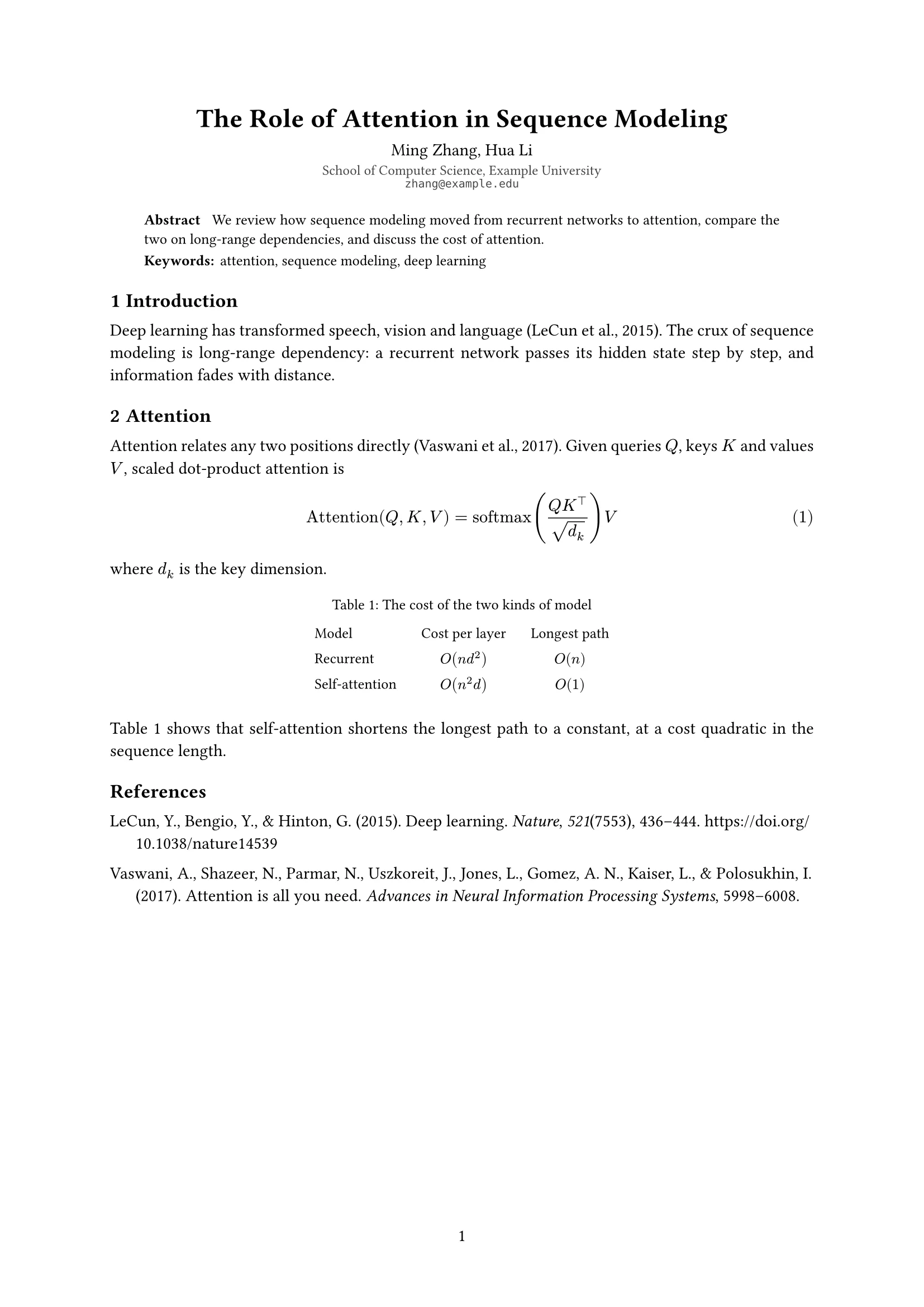
Upload the draft (text or PDF) and the references and give the authors and affiliations. docraft typesets a single-column paper with abstract, keywords, numbered sections, equations, figures and a reference list.
Start free, no credit card needed.
What it does
References handled for you
Upload a .bib or paste DOIs into the library, cite in the text, and the reference list builds itself (APA for English, GB/T 7714 for Chinese).
Proper structure
Title, authors, abstract and keywords are set by the template; sections are numbered 1, 1.1, and equations, figures and tables can be referenced.
Switch styles, keep the text
The same paper can switch to APA 7 or IEEE conference format without touching the body.
No invented references
Only entries in your library are cited; if you mention one that isn’t there, docraft asks you to add it rather than guessing.
How it works
- 1
Upload the draft and the references (.bib or DOIs) and give the authors and affiliations.
- 2
docraft typesets the paper and lists citations and changes to confirm.
- 3
Point at a paragraph or figure to change it, then export the PDF.
Try saying
“Here is my term paper draft and refs.bib. Typeset it as a proper paper with an abstract and keywords; author Alex Chen, Department of Computer Science.”
Frequently asked questions
Does a .bib from Zotero work?
Yes. Upload the .bib or paste DOIs; docraft merges them into the library without duplicates.
Will it change my writing?
Only if you ask. For layout only it keeps your text; edits you request are listed on the checklist for you to confirm.
Can I export LaTeX?
docraft typesets with Typst and exports PDF; the source is in the workspace for you to read and edit.
Which styles are available?
This general article style, APA 7 and IEEE conference format. APA and IEEE are English only.
Related templates
APA 7 paper
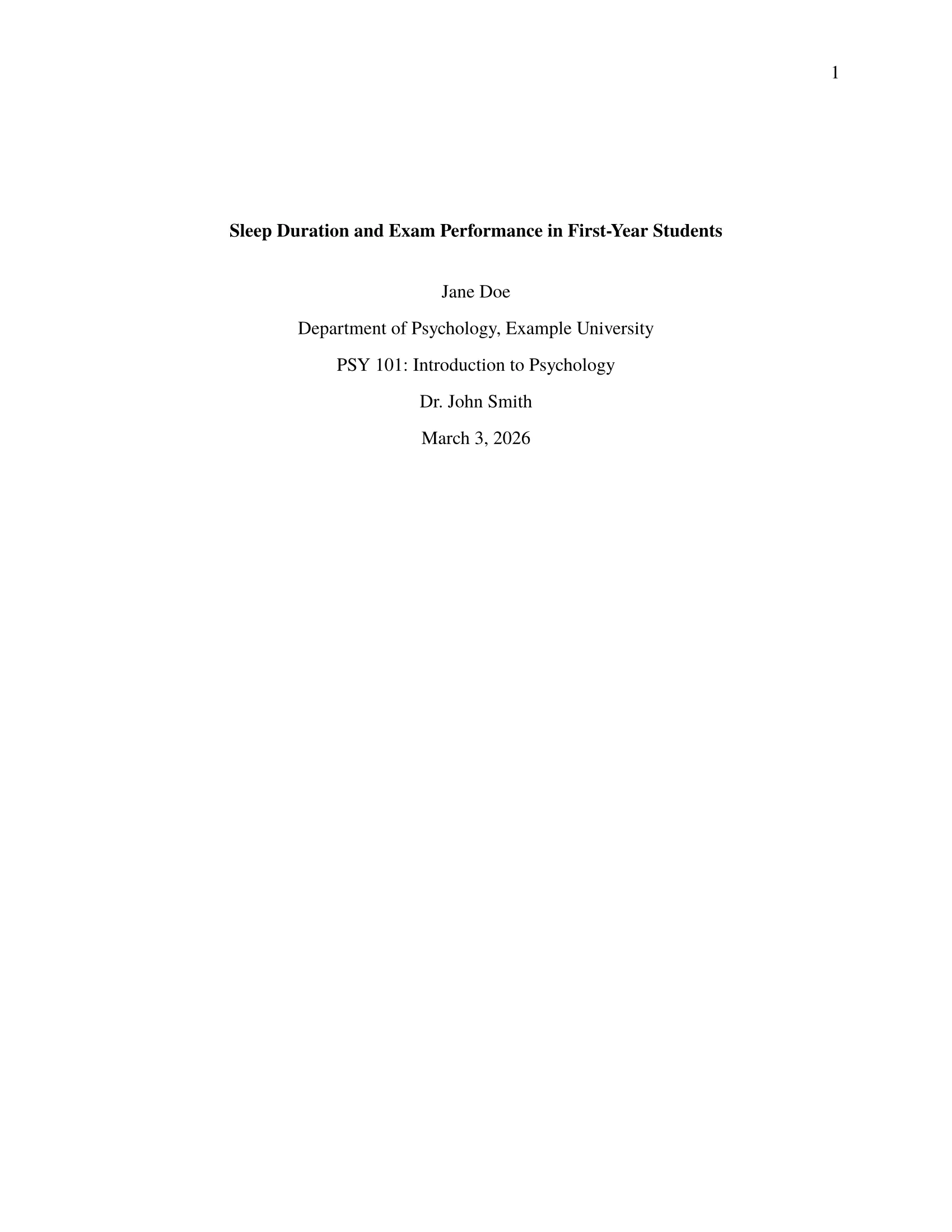
APA 7th edition: title page, double spacing, five heading levels, APA citations; for psychology, education and social science papers
IEEE conference paper
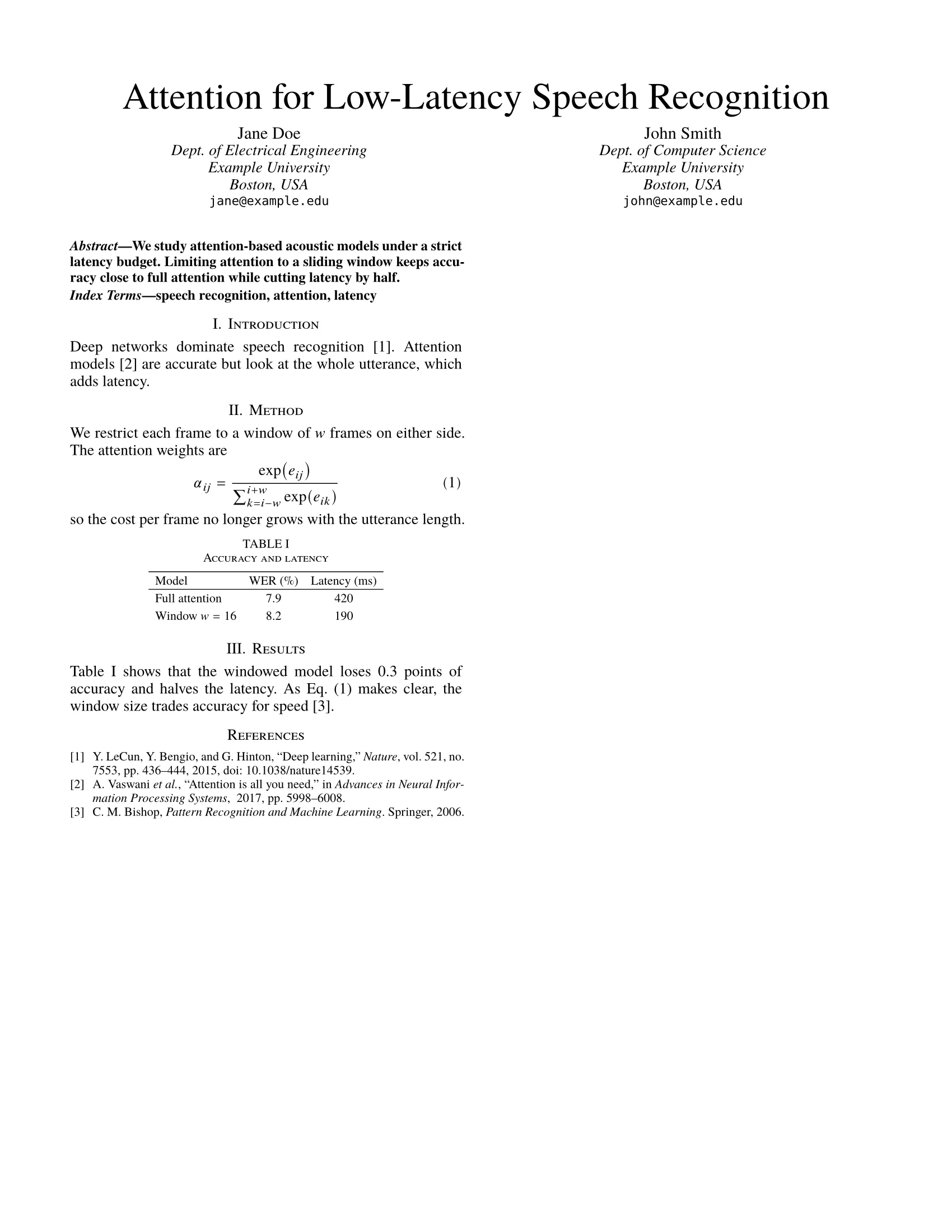
Two columns, Times, IEEE citations; for engineering conference submissions
Report
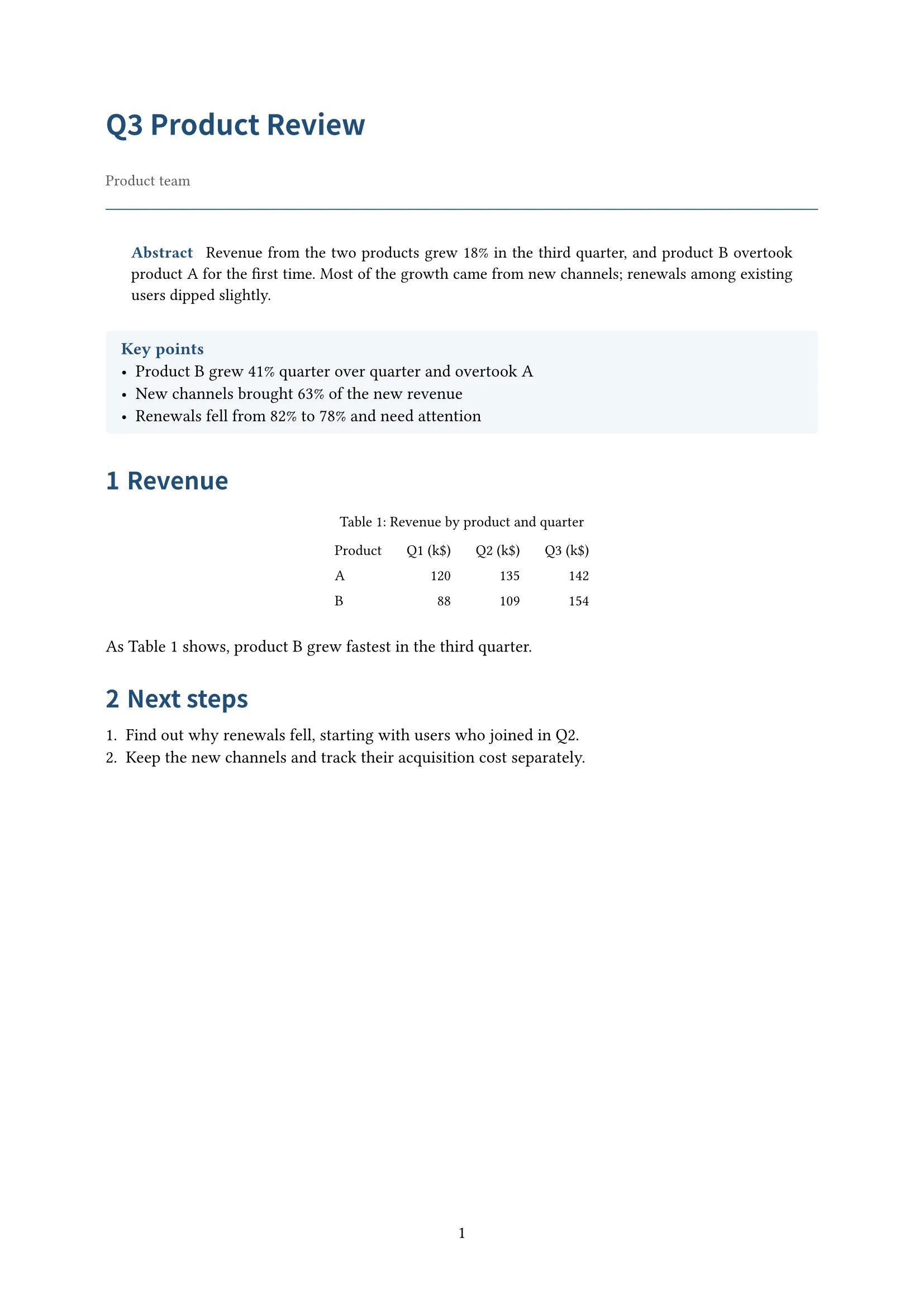
Abstract and key points first; for reviews, analyses and research reports


