

Chess game records: upload a PGN, get notation with diagrams
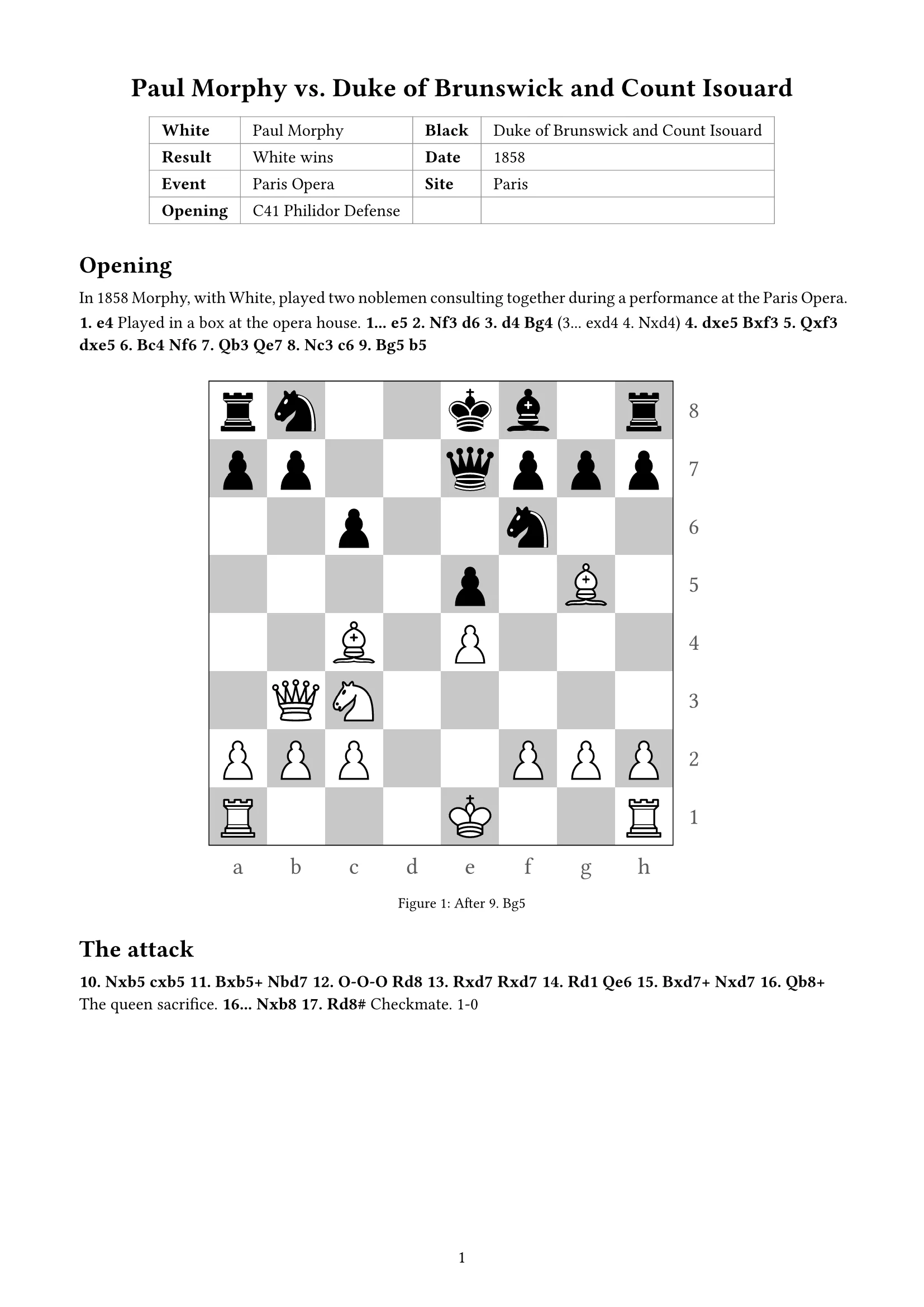
Drop in a PGN and say “split opening and middlegame, diagrams after move 9 and move 17”. docraft typesets a game record with the game info in a table, the notation in sections and diagrams where you asked.
Start free, no credit card needed.
What it does
Game info as a table
White and Black with ratings, result, date, event, site, round and opening are read from the PGN and set under the title.
Notation as in the PGN
Variations, comments and annotation symbols such as !? are set as written.
Diagrams where you want them
Name a move, after White or after Black, and a diagram goes there; it can also be drawn from Black’s side.
One or two per page
Diagrams can fill the text width or sit two to a page, and a PGN with several games can be set as a tournament collection.
How it works
- 1
Upload the PGN and say where you want diagrams and whether one or two per page; if you don’t, docraft asks first.
- 2
docraft typesets the record and lists anything to confirm.
- 3
Point at a diagram or move to change it, then export the PDF and print.
Try saying
“Here is a PGN. Split it into opening and middlegame, with a diagram after White’s 9th and 17th moves, two diagrams per page.”
Frequently asked questions
Will it analyze the game?
It doesn’t judge moves on its own. Comments in the PGN are set as written; give it your points and it sets them in.
Which formats work?
PGN, including files with several games. Export other formats to PGN from your chess software first.
Do I need to know LaTeX?
No. Moves, positions and boards are worked out and drawn by the template; you can still edit the source.
Can I use it on the free plan?
Yes. The free plan includes 300 points a month (about 18 new documents), and exported PDFs carry a watermark; paid plans have no watermark.
Related templates
Go game record
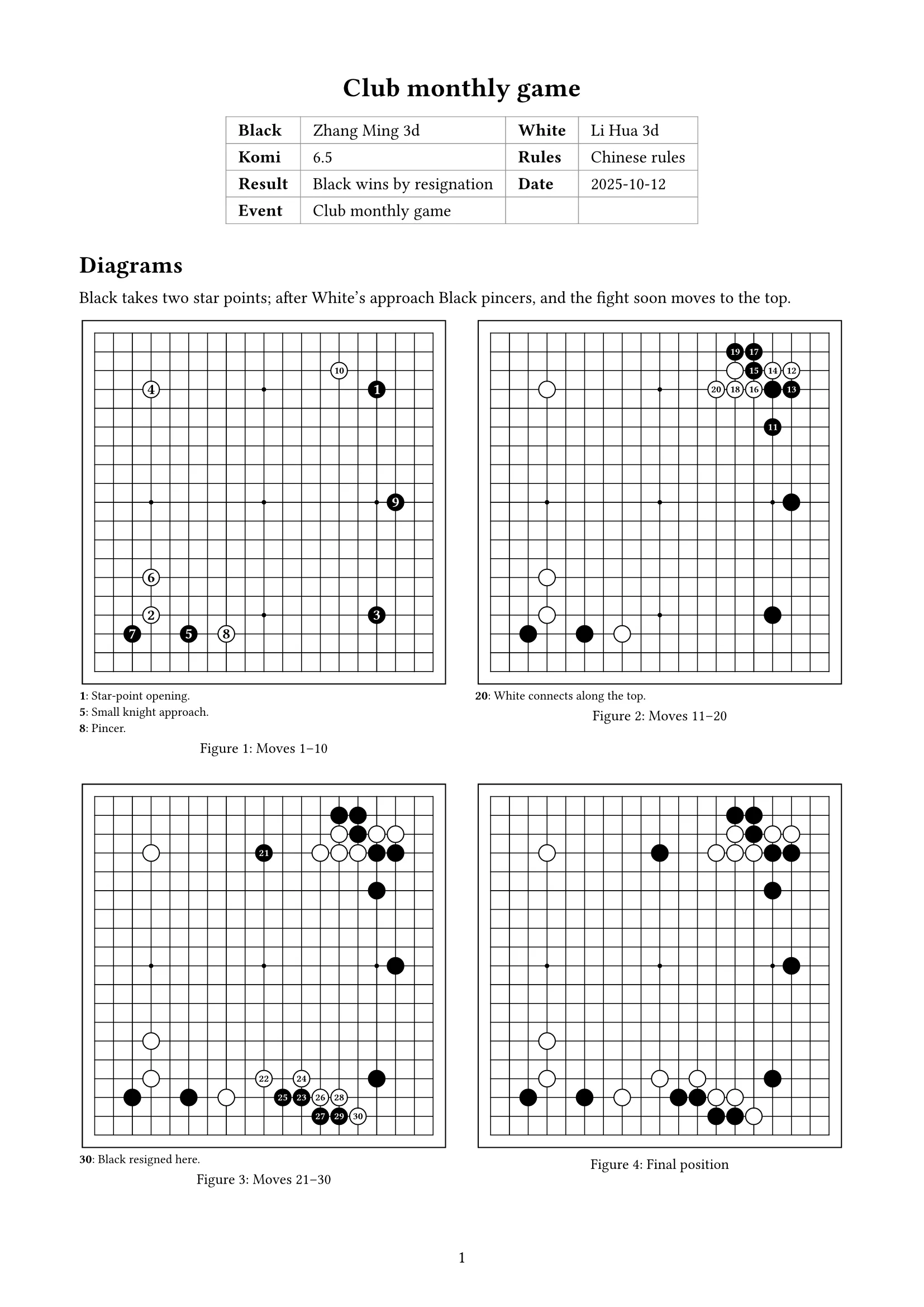
From SGF: game info, diagrams by move range, comments and positions; boards and captures drawn for you
Sheet music
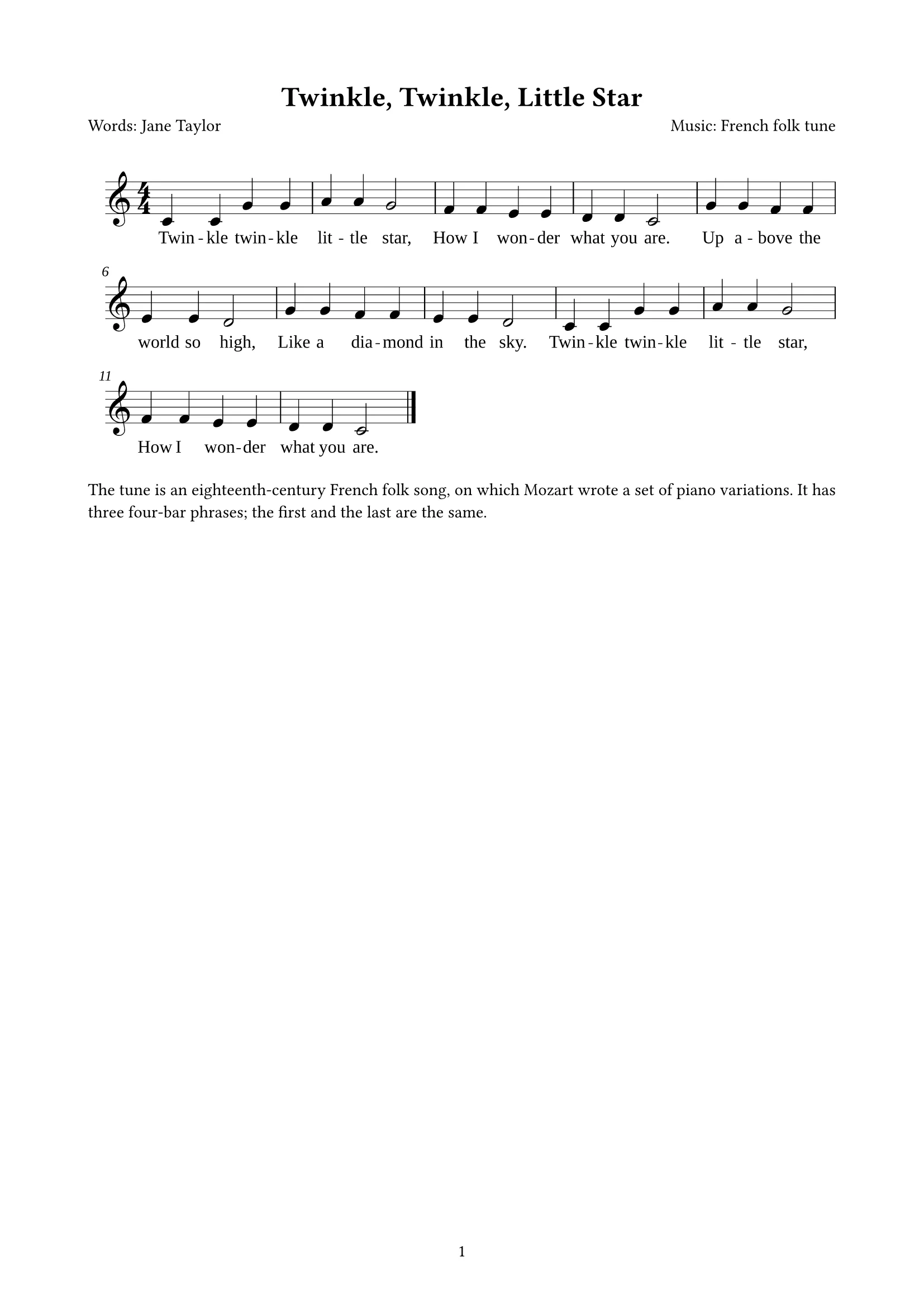
From MusicXML: title, credits and the whole score in staff notation (with lyrics, across pages); engraved for you
Handout
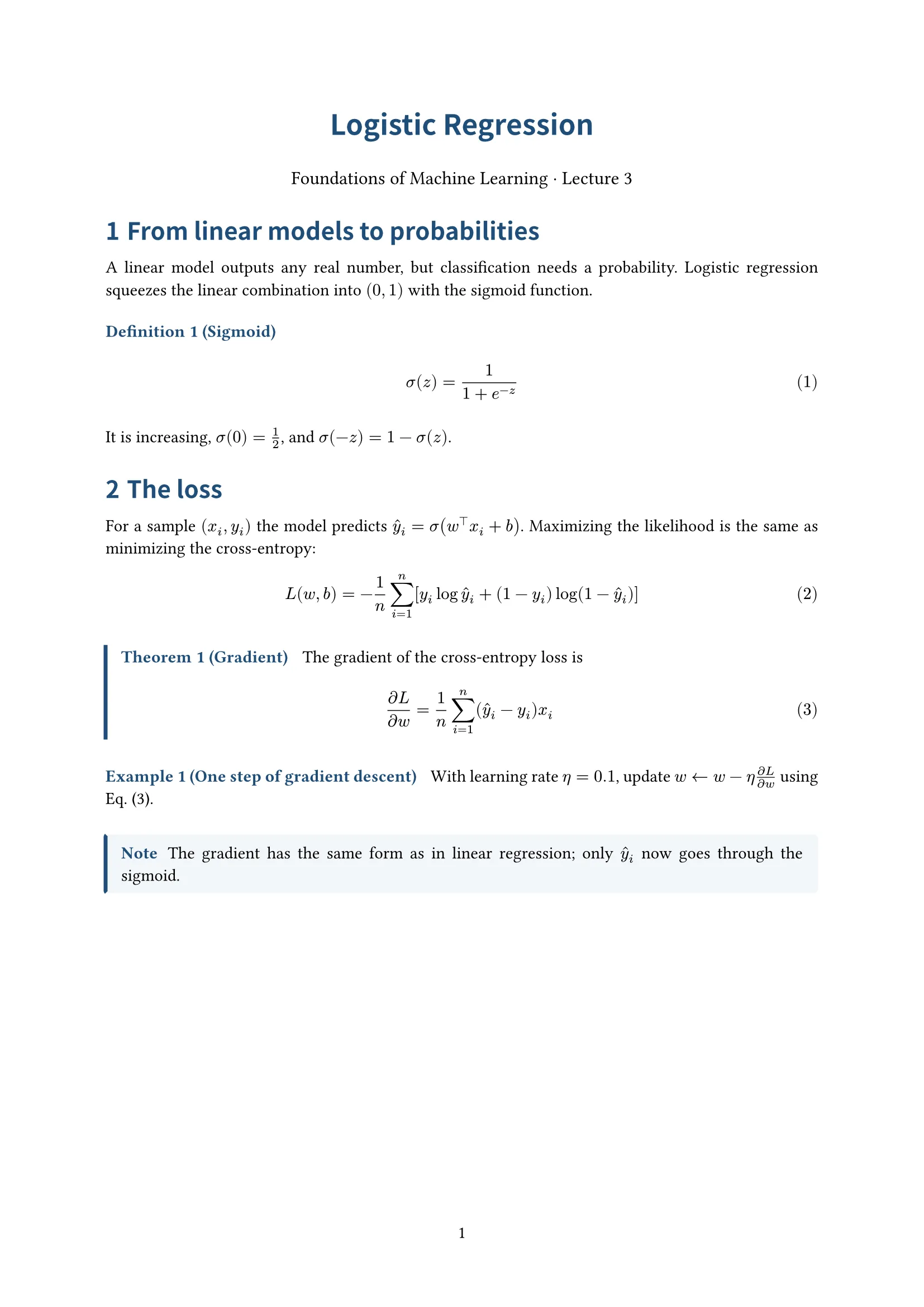
Centered title, numbered definitions, theorems and examples; for lecture notes


